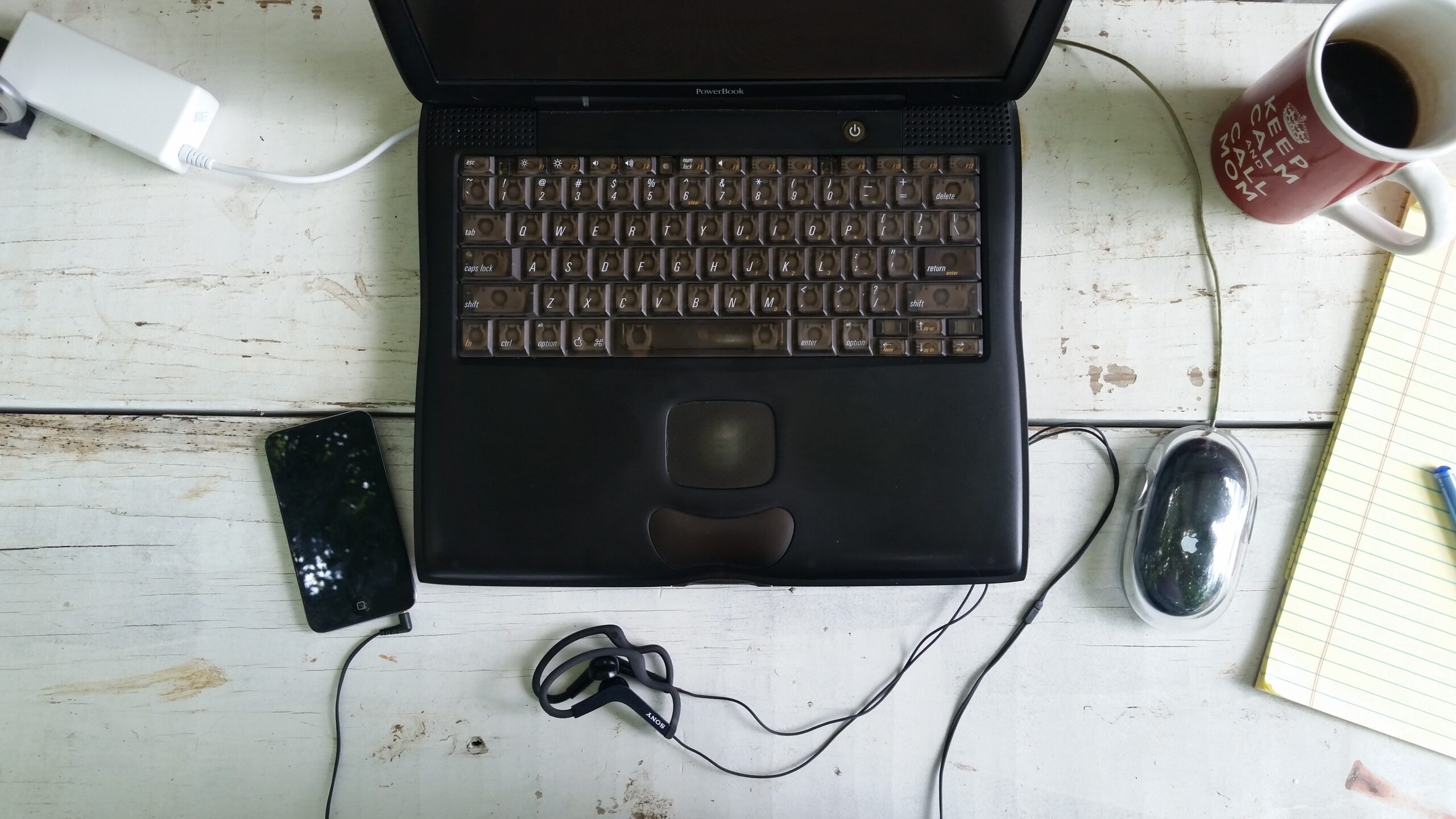
I’ve been a Mac user for long enough that I’ve used a variety of keyboards, including the ones built into Mac laptops as well as external keyboards made by Apple. The keyboards I’ve used vary from terrible to excellent in terms of their quality. Let’s delve into some of my favorite keyboards to ever come from Apple.
As a bonus, let’s also look at some Apple mice that I’ve used over the years.
Laptop Keyboards
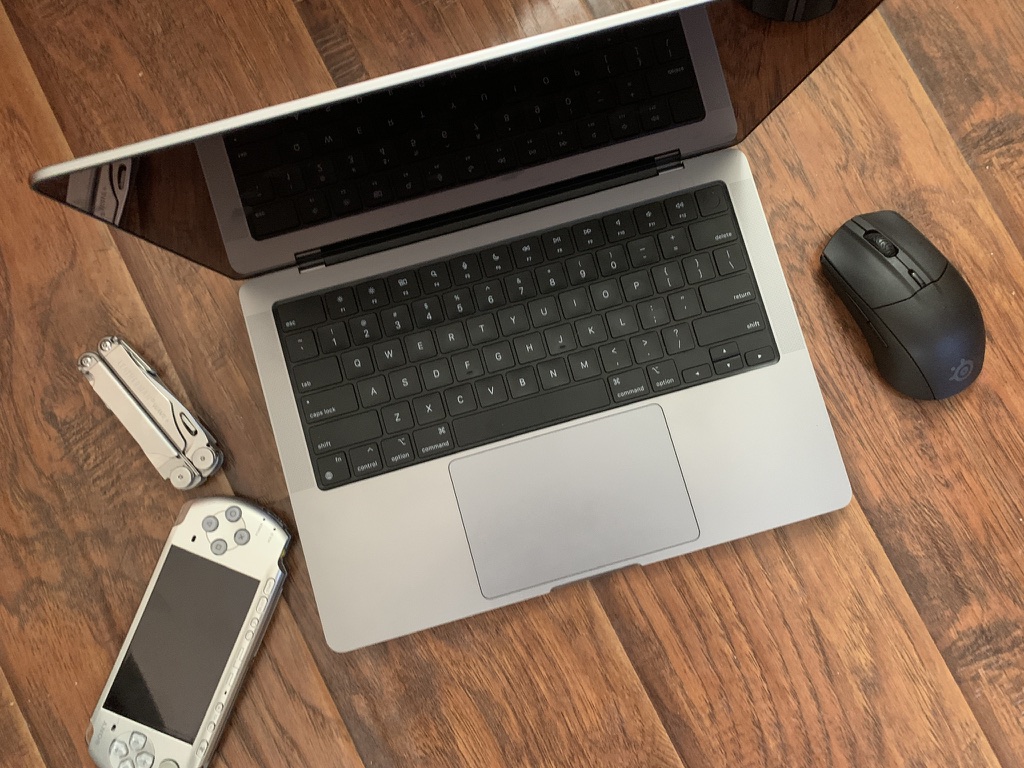
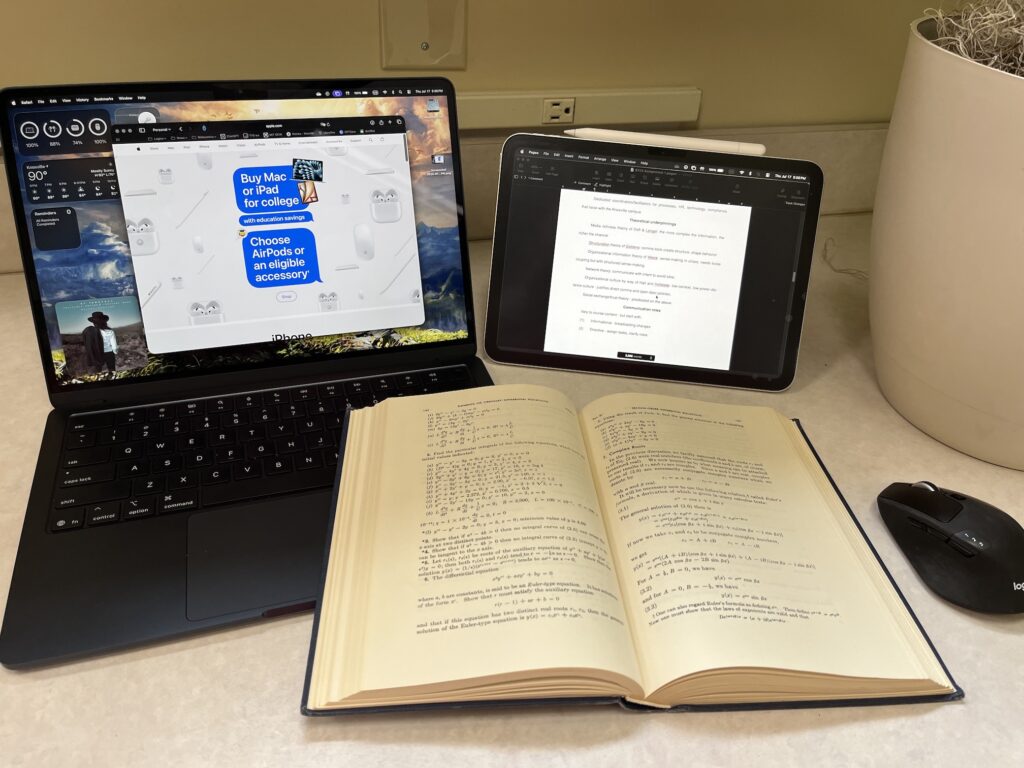
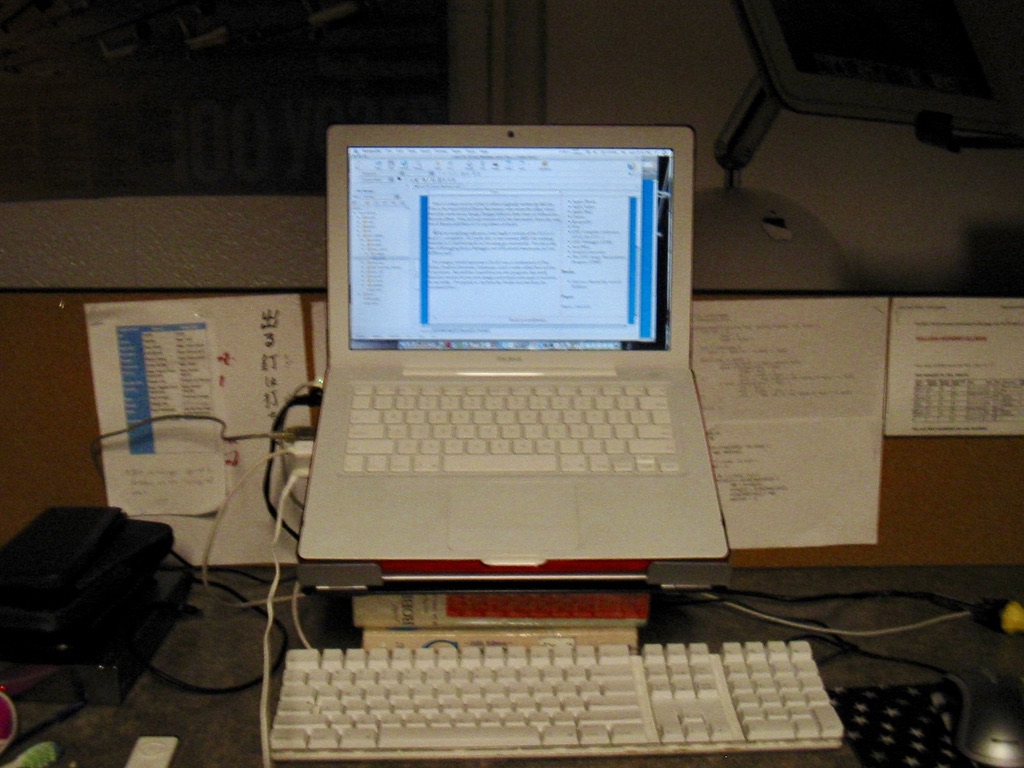
The Mac laptop keyboards I’ve spent time with vary in age from the PowerBook G3 Pismo (2000) to the MacBook Air M4 (2025). My ranking, from best to worst, is:
- PowerBook G3 (2000) – crisp feedback and plenty of room for my fingers to roam. Classic bronze keyboard and Univers ML typeface is very traditional for a Mac laptop.
- MacBook Pro M1 Pro (2021) – very crisp feedback and good key spacing. If you’ve used a Magic Keyboard of recent vintage, this is basically the same thing, just tied to one of the finest laptop designs Apple has ever produced.
- MacBook Air M4 (2024) – basically the same as the M1 Pro MBP keyboard.
- MacBook Air Sandy Bridge (2012) – the keys have more of a throw distance than I’m used to, but it still feels quite good. The old “non-Magic” keyboard design has a more traditional feel nowadays.
- MacBook Pro Penryn (2009) – Almost as good as the early 2010s MacBook Air design, owing to the unibody computer it’s attached to; aluminum is less flexible than plastic, leading to a firmer feel.
- MacBook Merom (Late 2006) – An early Apple chiclet keyboard with all of the bad and none of the good: has a bit of flex from the plastic construction and was prone to a manufacturing defect that caused the rim of the palmrest to break off. The hard corner of the edge of the case was very uncomfortable on my wrists.
- iBook G4 (2005) – as bad as PC laptop keyboards from the era; mushy and feels imprecise.
- iBook G3 (2001) – as bad as the iBook G4 keyboard from 2006 and also smells like armpits because of the degradation of the plastic. The stink makes my iBook G3 practically unusable.
Desktop Keyboards
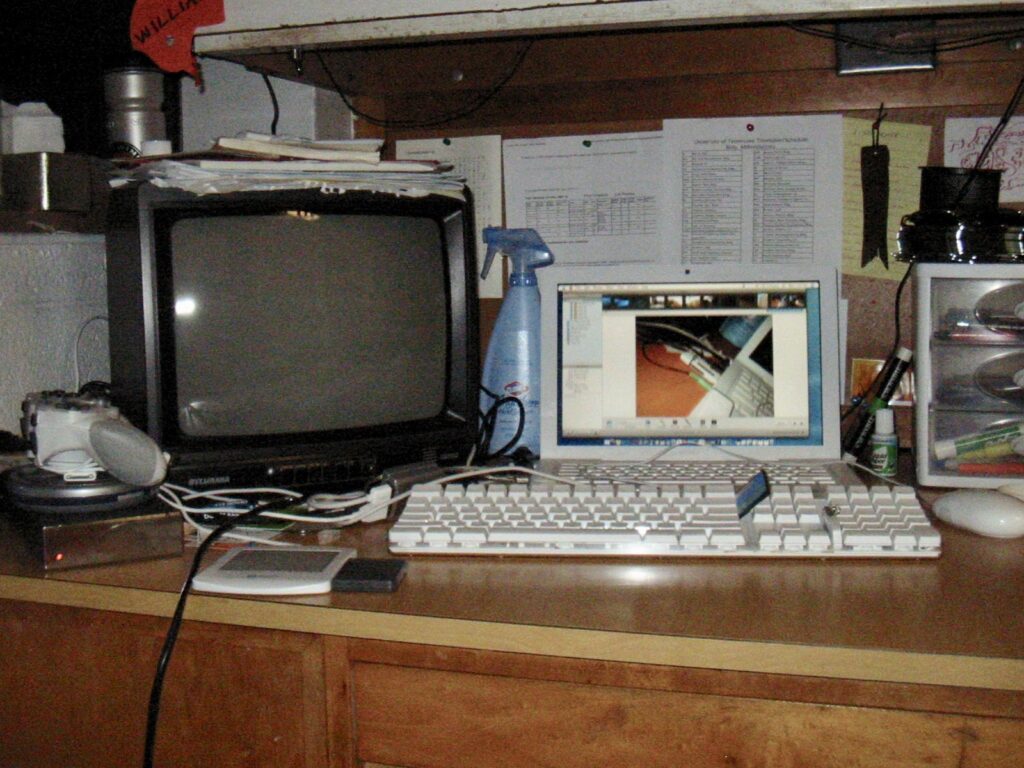
I’ve spent significant amounts of time with a few Mac desktop keyboards. I tend to prefer using a modified PC keyboard with my Macs, but the latest crop of Magic Keyboards has converted me.
- The current crop of Magic Keyboards, with or without the numeric keypad: as of mid-2026, this is one of the best keyboards you can get. I prefer the scissor-switch style over a regular membrane keyboard, and that is what Apple has made for a long time. The numeric keypad version is excellent for when I’m doing accounting work. I’m including the Magic Keyboard Folio for the 10th and 11th generation iPads here, as it’s a slightly cramped version of the same design. The USB-C version is preferable.
- The original scissor-switch wireless keyboard from the late 2000s to the mid-2010s (A1255/A1314): Excellent typing feel (I even used it with a Windows PC), but the design made it hard to put in and take out the batteries, especially if you forgot about the keyboard and the batteries corroded and got stuck (which happened to me). If you want the same feel, get yourself a 2009 MacBook Pro or MacBook Air.
- The last membrane keyboards, the one with the clear base that came with early Intel iMacs and most G5 desktops (A1048): I like these well enough because they’re the last Univers ML keyboards Apple ever made. They feel mushy, but they’re on the top of the range for membrane keyboards. The USB ports only support USB 1.1, which stinks.
- The colored keyboards, like the ones that came with G3 and G4 Macs (M2452): Mushy and vague. The built-in power button is great if you use it with a Mac that supports being turned on via the keyboard.
- Apple Extended Keyboard II: John Gruber may swear by his AEK II, but I mostly swear at mine. It’s a solid mechanical keyboard, that much can’t be disputed, but I have one massive kvetch with this keyboard that can’t be resolved without a soldering iron: the Caps Lock key locks, like on a typewriter. This matters to me because I remap Caps Lock to function like an extra Ctrl key1, and the locking Caps Lock key on an AEK II makes that useless.
Mice
I’m not quite as versed with Apple’s range of mice since I mostly prefer to use whatever mouse I find at Walmart that’s probably meant for a PC rather than buying one specific to the Mac. I have, however, experienced something of a rebirth of interest in the Apple mouse after trying a Magic Mouse for the first time and finding it quite nice.
- Magic Mouse – The touch gestures are cool and I like how it effectively combines the best features of a trackpad and a traditional mouse. Double-tapping with two fingers can open Mission Control, which is great when I’m deep in a workflow and trying to switch apps. The USB-C version is preferable, but both of mine are Lightning. The one thing that stinks is having to raise a finger when you right-click if you let both your index and middle fingers rest on the mouse like I’ve done since I learned how to use a computer mouse as a child.
- Pro Mouse (M5769) – Recalls that old aesthetic that I love so much from the early 2000s and has precise tracking and clicking. The biggest drawback is that it only has one button, making it useless with anything but a Mac.
- Apple Desktop Bus Mouse II (M2606/M2607) – Mechanical tracking holds this mouse back nowadays but was precise in its day. This mouse is nostalgic for me because it’s the very first mouse I ever used. Again, having only one button holds it back since not everything under Classic Mac OS responds to Ctrl+Click.
- Mighty Mouse (A1152 wired, A1197 wireless) – I owned a wired Mighty Mouse back in the day and I had to make certain that I washed my hands before using it because the scroll wheel (which was a great idea in concept) would gum up at the slightest provocation. Disassembling the mouse to clean it meant basically breaking the damn thing. I now have a wireless one somewhere that I got secondhand and sometimes use with my iPad, but it’s not as good as even a cheap PC mouse. The stupidest thing about the Mighty Mouse is that you have to raise your index finger to right-click if you do like I do and rest both your index and middle fingers on the mouse while you use it. Apple still hasn’t learned, since you also have to do this on the Magic Mouse.
- Apple USB Mouse (M4848) – Absolute turkey. This was the infamous round Mac mouse that debuted with the iMac G3 in 1998. This is, without question, one of the most idiotic designs I have ever seen from any company, and from Apple it should be inexcusable. It was impossible to tell, without looking down at the mouse, whether you are even holding it with the button facing upward. Critics at the time remarked that it looked better suited to be used by a tiger than a human being, and I don’t disagree.
When it comes to trackpads, the current generation is far and away my favorite: big enough to be useful for the major gestures I use, clickable everywhere (not the “diving board” design), and with nice, smooth glass for the tracking surface.
Notes
- Per Apple Support article 102650, under the heading “Text-editing Shortcuts,” you will find a list of keyboard shortcuts that look suspiciously familiar if you are accustomed to the Emacs text editor. Part of why I insist on Macs at XC Headquarters is because every Mac app (other than Microsoft Office and a few others) supports using these shortcuts – effectively making every app behave like Emacs when it comes to text entry. ↩︎